

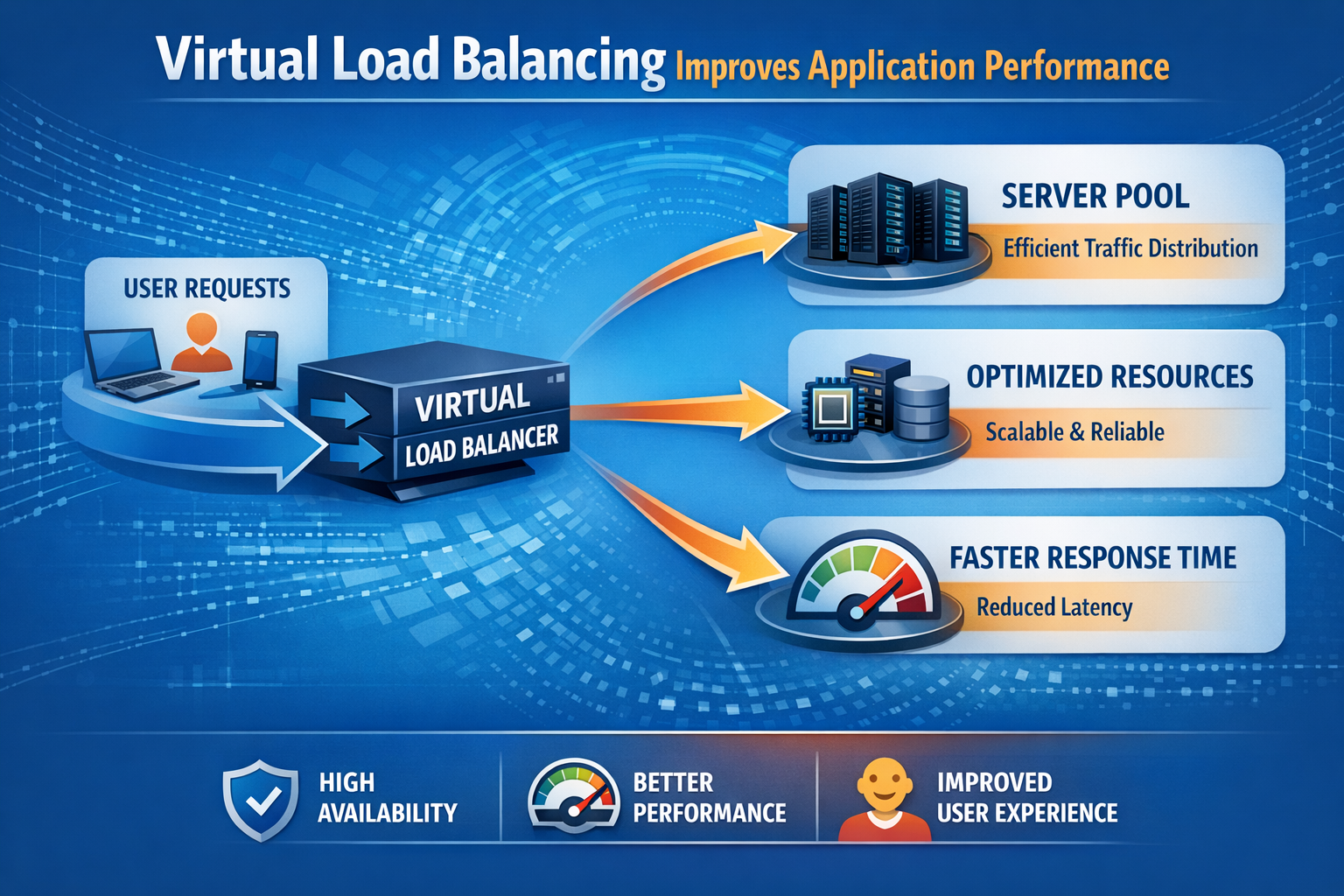
As applications grow more complex and user expectations increase, delivering fast, reliable, and seamless digital experiences has become a necessity, not a luxury. Modern users expect instant page loads, zero downtime, and flawless application performance across every device and location. This is where Virtual Load Balancing becomes a game-changer.
Virtual load balancers (vLBs) are software-defined, cloud-ready, and capable of delivering enterprise-grade performance without the heavy cost or rigidity of hardware appliances. They distribute traffic intelligently, ensure availability, accelerate performance, and support modern application architectures like microservices and multi-cloud deployments.
In this article, we break down exactly how virtual load balancing improves application performance and why it’s now considered essential for any organization delivering digital services at scale.
1. What Is Virtual Load Balancing?
Virtual load balancing refers to distributing client traffic across multiple servers using a software-based load balancer rather than a hardware appliance. It is deployed on:
- Virtual machines (VMware, Hyper-V, KVM)
- Cloud platforms (AWS, Azure, GCP)
- Containers (Kubernetes, Docker)
- Bare-metal environments
Unlike hardware load balancers, virtual load balancers offer:
- Easy scalability
- Lower cost
- Cloud-native flexibility
- Automation and API support
This makes them ideal for modern, distributed, high-traffic applications.>
2. How Virtual Load Balancing Improves Application Performance
Let’s break down the core ways virtual load balancing enhances speed, responsiveness, and availability.
2.1 Ensures Optimal Traffic Distribution
Virtual load balancers use smart algorithms such as:
- Round Robin
- Least Connections
- Weighted Routing
- Response-Time-Based Routing
- Hash-based routing
- Custom rule logic
These ensure incoming requests are always directed to the server best suited to respond.
Benefits for performance:
- ✔ Prevents server overload
- ✔ Reduces response times
- ✔ Utilizes resources efficiently
- ✔ Delivers a smoother user experience
2.2 Enables High Availability & Zero Downtime
Virtual load balancers continuously monitor server health. If a server or service becomes slow or unresponsive. Traffic is instantly redirected to healthy servers.This prevents:
- Outages
- Slow responses
- Failed transactions
Ensuring near-zero downtime, even during failures or maintenance windows.
2.3 Supports Auto-Scaling in Cloud Environments
One of the biggest advantages of virtual load balancing is elastic scalability. When traffic spikes (e.g., sales events, promotions, seasonal load), virtual load balancers can:
- Automatically add new server instances
- Distribute traffic evenly
- Remove servers when demand drops
This prevents performance bottlenecks and maintains consistently fast response times.
2.4 Improves Application Speed Through SSL/TLS Offloading
SSL/TLS encryption is CPU-intensive. Virtual load balancers offload SSL processing from backend servers, allowing the servers to focus on application logic.
Results:
- ✔ Faster transaction speed
- ✔ Reduced server load
- ✔ Higher throughput
- ✔ Better user experience
2.5 Enhances Global Performance With GSLB
Virtual load balancers often integrate with Global Server Load Balancing (GSLB).This means users are automatically routed to:
- The closest data center
- The fastest region
- The healthiest endpoint
Benefits:
- ✔ Lower latency
- ✔ Faster application load time
- ✔ Improved reliability for global users.
2.6 Supports Modern Application Architectures
Today’s applications rely on:
- Microservices
- APIs
- Multi-cloud deployments
- Containers & Kubernetes
Virtual load balancers integrate seamlessly with these environments, enabling:
- Service-level routing
- API gateway functionality
- Blue/green & canary deployments
- Traffic shaping per microservice
2.7 High-Efficiency Data Delivery
Modern virtual traffic managers provide several advanced delivery enhancements:
- Frequent Content Storage: Keeps commonly requested data ready for immediate retrieval.
- Data Size Reduction: Minimizes the footprint of outgoing information to speed up transmission.
- Protocol Streamlining: Uses the latest web standards to handle multiple requests simultaneously and reduce latency.
These capabilities result in a noticeable boost to:
- System Responsiveness: Faster interaction for the end-user.
- Network Resource Savings: Lower data consumption across the wire.
- High-Traffic Stability: Consistent performance during periods of maximum user activity.
2.8 Full Automation for DevOps & CI/CD
Virtual load balancers provide APIs and integrations with:
- Terraform
- Ansible
- GitOps
- Jenkins
- Kubernetes Ingress
This ensures changes are fast, consistent, and never introduce downtime.
3. Why Virtual Load Balancing Is Better Than Legacy Hardware
| Feature | TMG | Modern ADC (Edgenexus) |
|---|---|---|
| Hardware LB | Limited | Unlimited & elastic |
| Virtual LB | Limited | Unlimited & elastic |
| Scalability | Limited | Unlimited & elastic |
| Cost | High CAPEX | Low OPEX |
| Cloud support | Poor | Full cloud-native |
| Automation | Minimal | API-first |
| Performance | Good | Excellent with modern CPUs |
| Deployment speed | Slow | Instant |
| Updates | Rare | Frequent |
Virtual load balancing offers superior flexibility, cost-efficiency, and performance, especially for cloud-first organizations.
4. Edgenexus: Taking Virtual Load Balancing to the Next Level
Edgenexus provides a next-gen virtual ADC platform with:
- Intelligent load balancing algorithms
- FlightPath traffic automation engine
- GSLB for global performance
- WAF for security
- SSL/TLS offloading
- App Store extensions
- Microservice & API support
- Cloud & on-premise deployment options
This makes it ideal for organizations transitioning away from legacy appliances toward faster, more scalable, and more secure application delivery.
Conclusion
Virtual load balancing dramatically improves application performance through intelligent routing, auto-scaling, global optimization, and deep integration with cloud and DevOps ecosystems. As businesses continue to move toward distributed, cloud-native architecture, virtual load balancers have become an essential component of high-performance digital delivery.
For organizations looking for a powerful, modern, and cost-effective solution, Edgenexus Virtual ADC delivers all the benefits of traditional load balancing plus the scalability, automation, and intelligence needed for the next generation of applications.
Frequently Asked Questions (FAQs)
1. What is a virtual load balancer?
A virtual load balancer is a software-based load balancing solution that distributes traffic across multiple servers to optimize performance and availability.
2. How does virtual load balancing improve performance?
It prevents server overload, reduces latency, accelerates processing, and ensures efficient traffic distribution.
3. Is virtual load balancing suitable for cloud environments?
Yes. It is fully compatible with cloud platforms like AWS, Azure, and Google Cloud.
4. Can virtual load balancers handle SSL/TLS traffic?
Yes. They can offload SSL/TLS processing to improve speed and reduce server workload.
5. What makes virtual load balancers better than hardware?
They offer better scalability, lower cost, easier updates, automation, and cloud-native deployment flexibility.
6. Do virtual load balancers support microservices?
Absolutely. They integrate with Kubernetes, Docker, and API-driven architectures.
7. How does GSLB improve global performance?
GSLB routes users to the nearest and fastest data center, reducing load times.
8. Can virtual load balancers help during peak traffic spikes?
Yes. Auto-scaling features allow them to expand capacity dynamically during traffic surges.
9. Are virtual load balancers secure?
Modern virtual ADCs include security features such as WAF, DDoS protection, and traffic inspection.
10. How does Edgenexus enhance virtual load balancing?
Edgenexus adds advanced rule-based routing, GSLB, SSL offload, automation, WAF, and an App Store for extensibility.